
Dashboard Library
Pick from 30 ready-to-install OpenSearch Dashboards packs and install them on your Logs stack.
Trusted by engineering teams worldwide

















































Dashboard Library is live on Logs stacks. Open it from the stack, choose the packs that match your data and install them into OpenSearch Dashboards. There are 30 ready-to-install packs covering hosts, containers, web servers and security sources. You install the dashboards you want, not a fixed set chosen at provisioning time.
OpenSearch Dashboards · Log management · Log management pricing
30 ready-to-install packs
Each pack is a set of OpenSearch Dashboards for a source you already ship. The 30 ready-to-install packs are:
- Web — Nginx, Nginx (JSON logs), Apache HTTP Server, Microsoft IIS and Traefik
- Containers — Docker, Kubernetes, Kubernetes container logs and Kubernetes cluster events
- Hosts — Linux hosts, Linux authentication, Windows PowerShell and Windows Sysmon
- Security and identity — AWS CloudTrail, CEF security events, Cisco ASA, CyberArk PAS, Okta, Palo Alto Networks firewall, Suricata, Windows security and Active Directory, Zscaler ZIA and ZPA and Microsoft 365
- Network, cloud and apps — CoreDNS, Envoy proxy, FortiGate, AWS ECS application logs, MySQL, Apache Kafka and uWSGI
Install into OpenSearch Dashboards
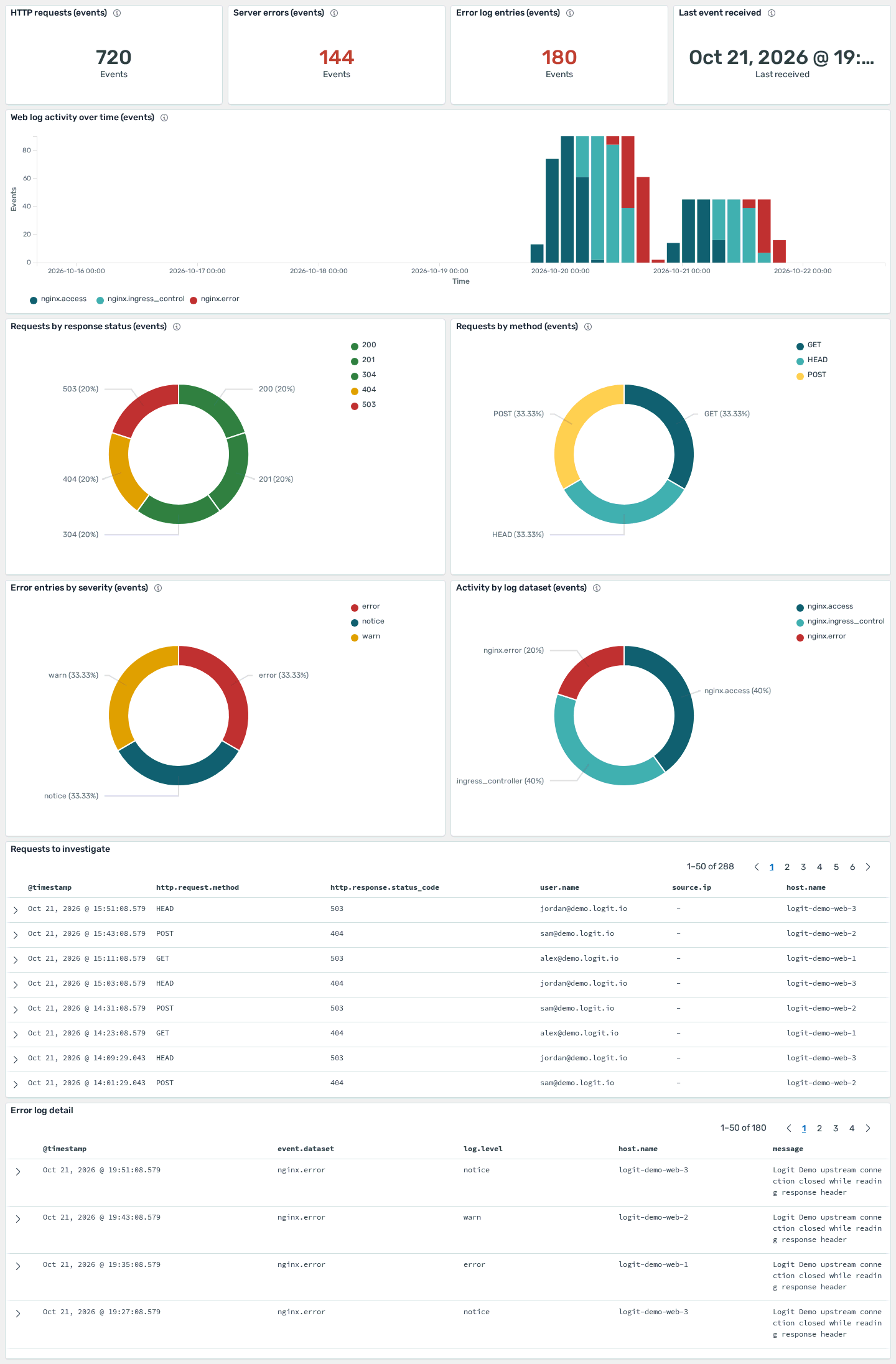
Select the dashboards you want and install them on the Logs stack. They open in OpenSearch Dashboards, the visualisation UI on the stack. After install you can launch Dashboards from the stack and use the boards immediately.
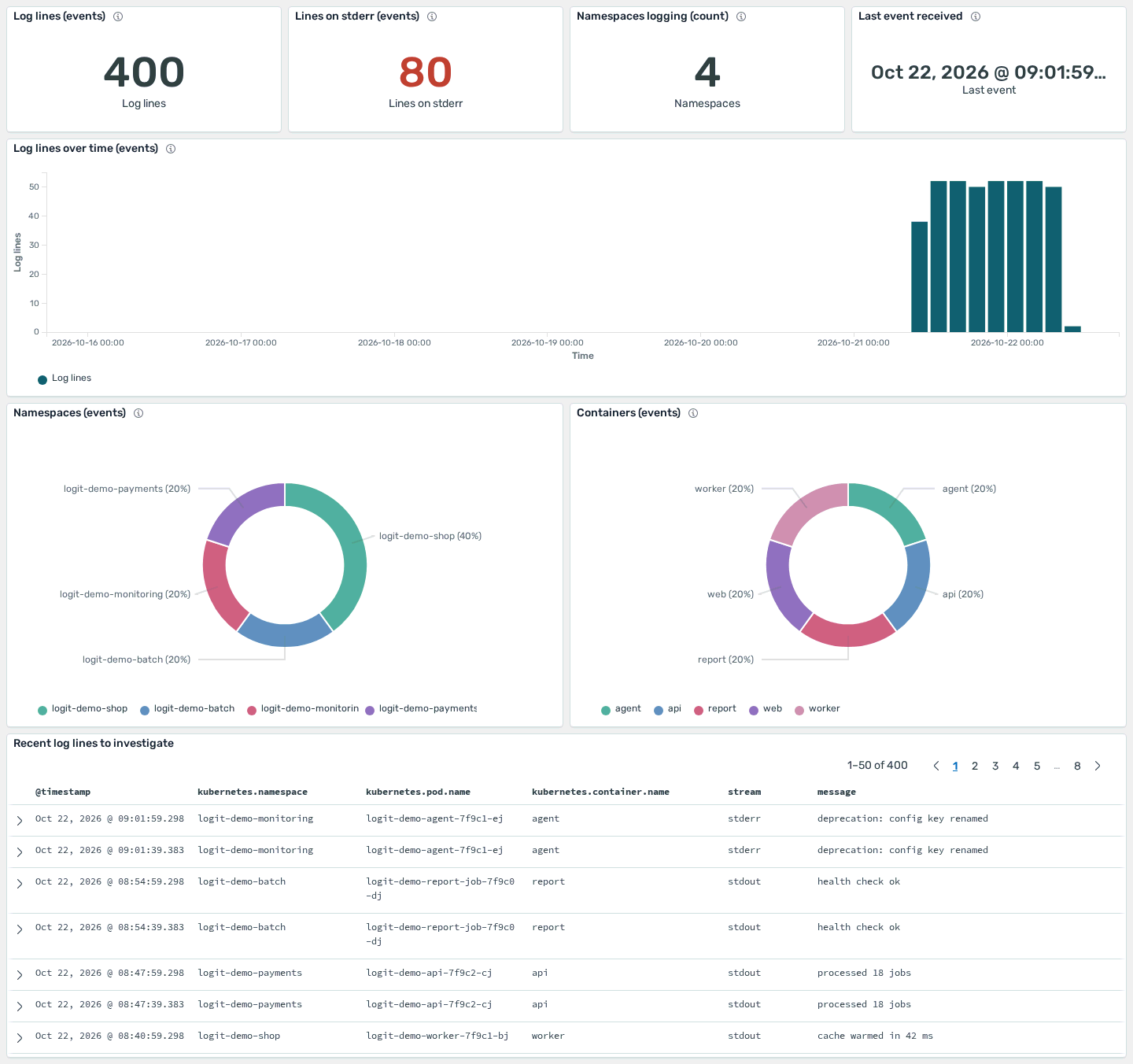
Built for the data you already send
A Linux host pack, a Kubernetes pack and an Nginx pack can sit on the same Logs stack. You add a pack when that source shows up. You do not rebuild the visualisation from scratch.
Pair the boards with managed alerting when a chart should page someone, and with Hosted OpenSearch when you also run a dedicated search cluster.
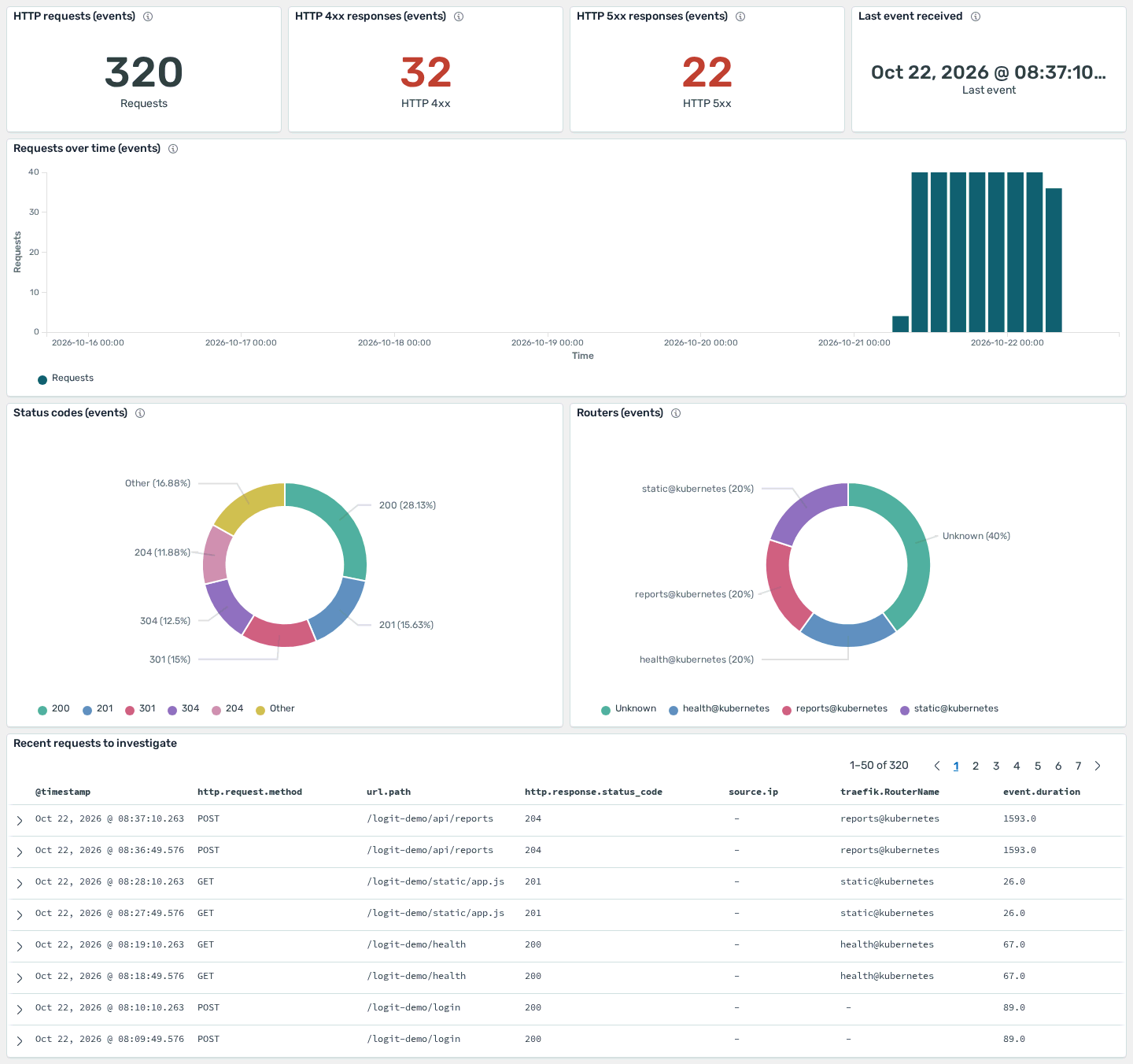
Included with log management
Dashboard Library ships with Logs stacks. It is not a separate product or paid add-on. Start a trial, open a Logs stack and install the packs you need.
Node pricing for a dedicated cluster is on OpenSearch pricing. Log management plans, which include the library, are on log management pricing.
Key benefits
Open Dashboard Library from the stack and install packs into OpenSearch Dashboards.
Hosts, Kubernetes, web servers, databases and security sources, ready to install.
Choose the dashboards for the sources you ship.
Installed boards open in OpenSearch Dashboards on the same Logs stack.
Frequently asked questions
Is Dashboard Library available now?
Yes. Dashboard Library is live on Logs stacks. Open it from the stack and install from 30 ready-to-install packs.
What do the packs install?
OpenSearch Dashboards. Each pack is a set of boards for a source such as Nginx, Kubernetes, Linux hosts or Windows security. They open in OpenSearch Dashboards on the Logs stack.
Do I have to install every pack?
No. Pick the packs you want.
Which plan includes Dashboard Library?
It is part of log management on a Logs stack. See log management pricing. A dedicated OpenSearch cluster is priced separately on OpenSearch pricing.
Start your 14-day free trial
No credit card required. Logs from $25/mo billed annually.