How do I create a new alerting rule?
See Rule types and Destinations for full examples.
Provision alerting for a stack
To enable alerts for a stack, go to the Alerting & Notifications settings and then click the Enable Alerting button.
Scheduling and enablement (per rule)
You can tune how often a rule runs and how much history each query covers using optional keys in the YAML (they override service defaults when supported):
run_every— how frequently ElastAlert evaluates the rule.buffer_time— width of the time window used for queries (ignored whenuse_count_queryoruse_terms_queryis true on types that use those flags).is_enabled— set tofalseto keep the rule saved but stop it from running.
Create your Alerting Rule
Once Alerting has been provisioned and you have clicked Alerting is ready you will see two sample YAML files that have default examples for alert rules.
You can click Edit to see the configuration of the YAML files to give you an idea of how to properly configure your YAML files.
If you want to create a new alert rule click New Rule where you will then enter your rule name for your YAML file, then click the Create button.
This will configure and the rule will be added. Click the Go to rule button which will then bring you to the YAML file for configuration. Here is a working example of an ElastAlert rule for a field change for a different 'country_name' compare against a 'user'.
# Alert when some field changes between documents
# This rule would alert on documents similar to the following:
# {'username': 'bob', 'country_name': 'USA', '@timestamp': '2014-10-15T00:00:00'}
# {'username': 'bob', 'country_name': 'Russia', '@timestamp': '2014-10-15T05:00:00'}
# Because the user (query_key) bob logged in from different countries (compare_key) in the same day (timeframe)

# (Required)
# Rule name, must be unique
name: New country login

# (Required)
# Type of alert.
# the change rule will alert when a certain field changes in two documents within a timeframe
type: change

# (Required)
# Index to search, wildcard supported (use the pattern that matches your stack, e.g. *-*)
index: "*-*"

# (Required, change specific)
# The field to look for changes in
compare_key: country_name

# (Required, change specific)
# Ignore documents without the compare_key (country_name) field
ignore_null: true

# (Required, change specific)
# The change must occur in two documents with the same query_key
query_key: username

# (Required, change specific)
# The value of compare_key must change in two events that are less than timeframe apart to trigger an alert
timeframe:
  days: 1

# (Required)
# A list of Elasticsearch filters used for find events
# These filters are joined with AND and nested in a filtered query
filter:
- query:
    query_string:
      query: "document_type: login"

# (Required)
# The alert is use when a match is found
alert:
- "email"

# (required, email specific)
# a list of email addresses to send alerts to
email:
- "[email protected]"
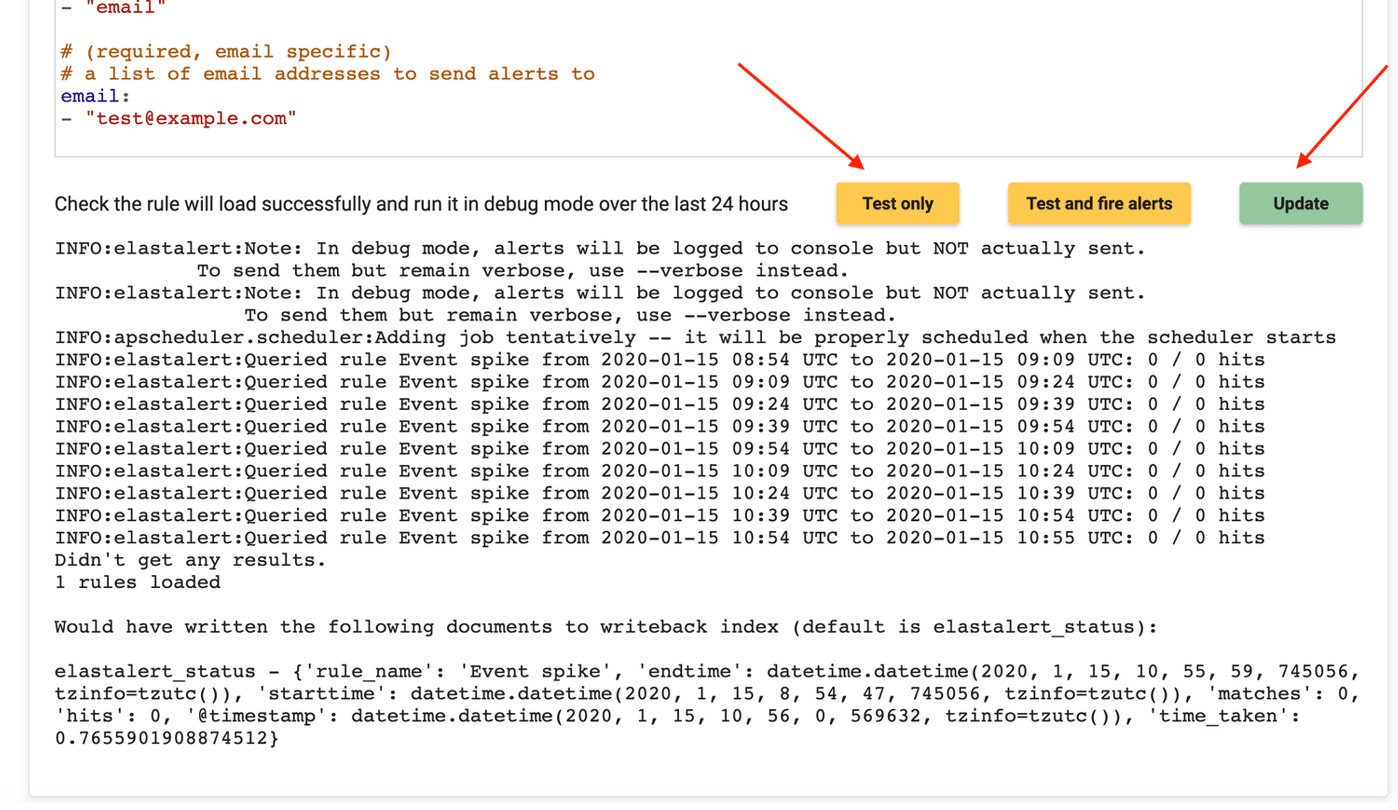
Once you are finished with your configuration you can then click 'Test only' to see if your YAML file has been configured correctly.
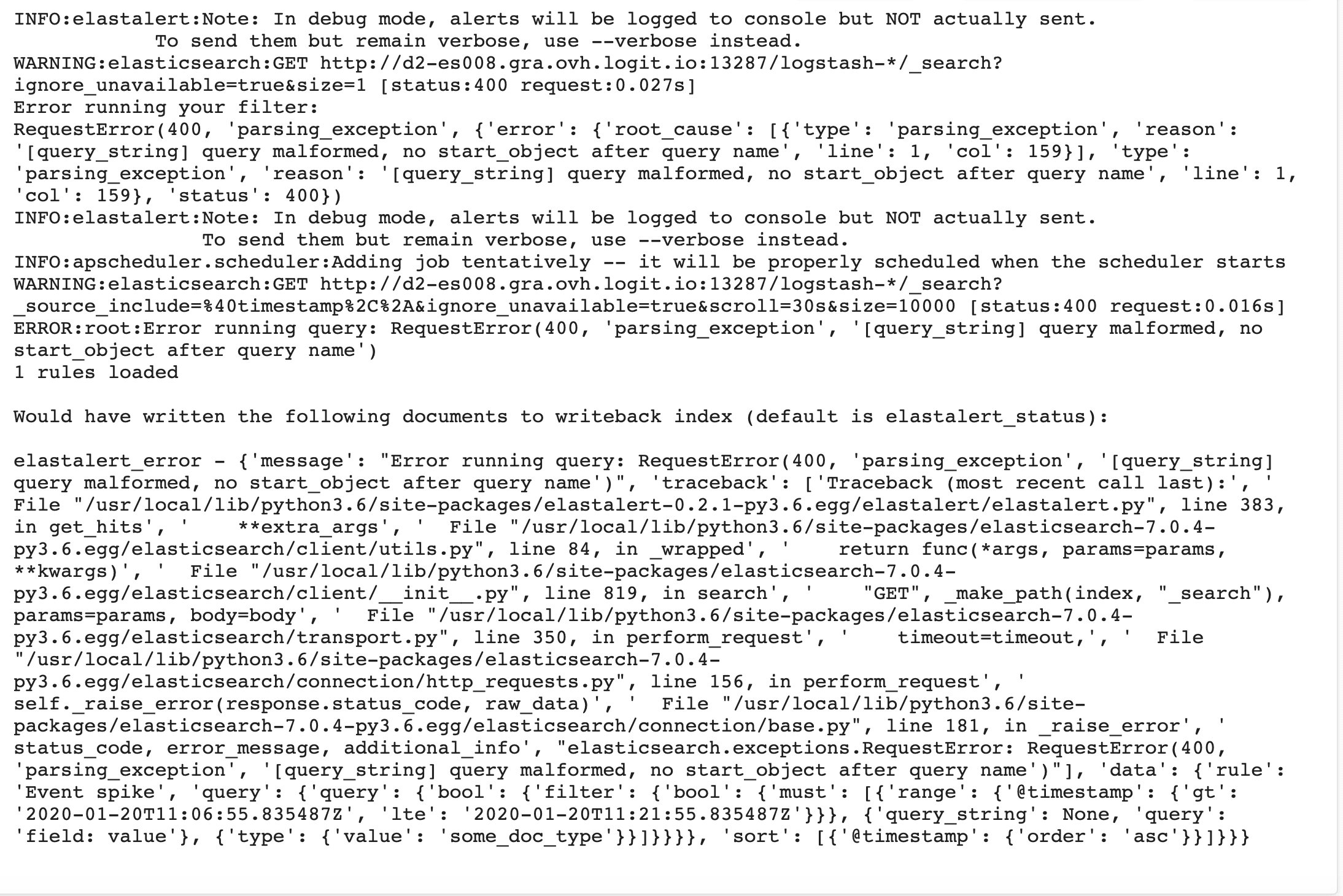
If there is incorrect spelling in your YAML it will be shown in the logs like below.
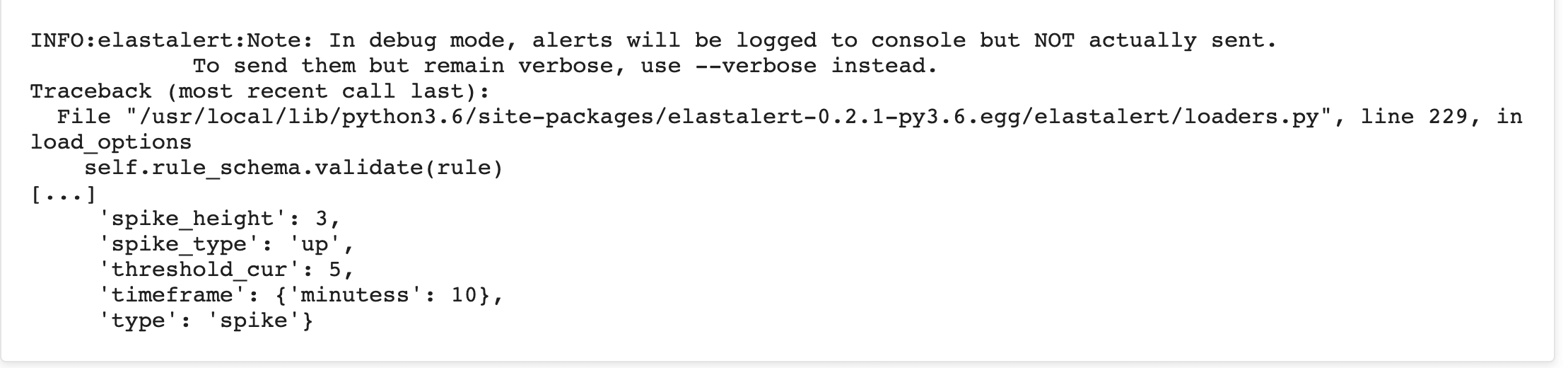
Tip!: If there is a spacing issue in your YAML the error will be shown like this:
Once you are happy with the rule click Update to save your rule.
Once you have updated your rule, you will see that the job has been executed and the rule has been updated.
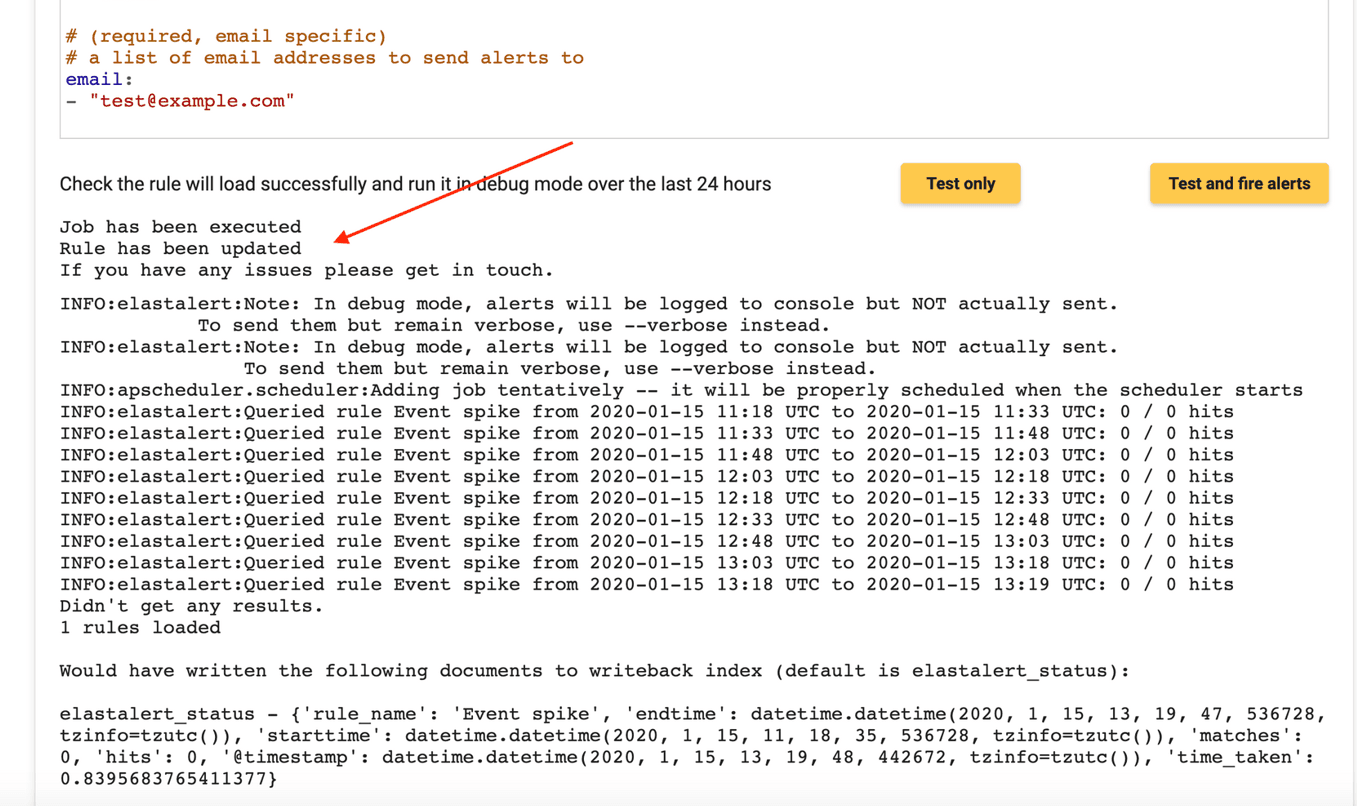
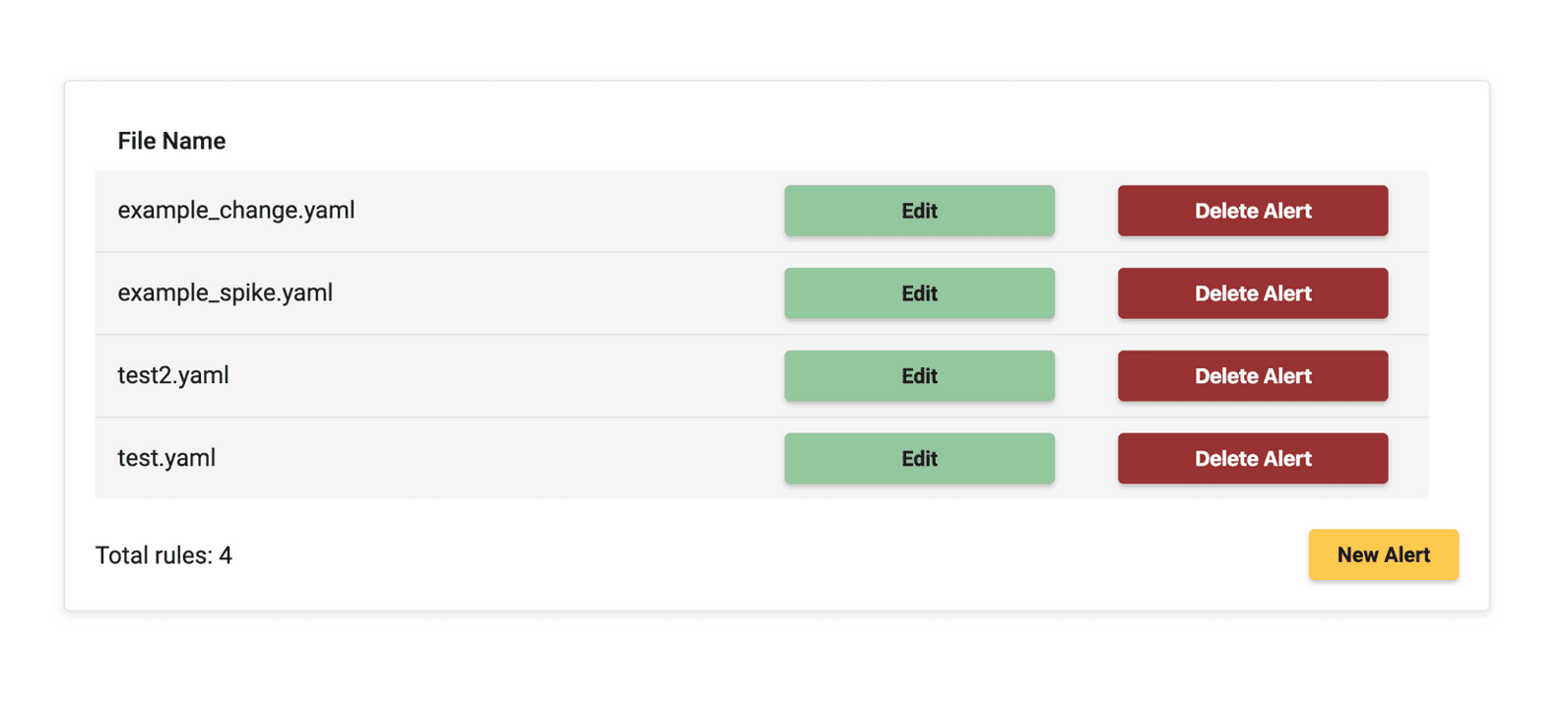
The rule will be then added to your list of rules once you go back to the Alerts tab.
Rule types and where to notify
- Every rule has a
type:(for examplefrequency,spike,change). See Rule types for one guide per type, each with a full YAML example. - The
alert:section chooses where notifications go (email,slack,post,pagerduty, and many more). See Destinations for one guide per channel. - To customize subjects, bodies, top counts, and Discover links, see Subject & body and Context & links.
For troubleshooting validation and common mistakes, see Check your ElastAlert rule. Execution output from managed ElastAlert is also logged to your stack (elastalert index); see Overview — ElastAlert execution logs.