Understanding OpenSearch index templates and how to view them
What is an OpenSearch index template?
Index templates define settings and mappings that OpenSearch can automatically apply when creating new indexes. Templates match new index names using an index pattern. They apply only at index creation — changes to a template do not affect existing indexes. Settings and mappings in a create-index request override template values.
Logit.io stacks may use legacy index templates (/_template) and/or composable index templates (/_index_template), depending on your stack version and integrations.
How can I view the current templates?
There are two ways to view index templates on your stack.
1. Using OpenSearch Dashboards Dev Tools
Open OpenSearch Dashboards from your stack by clicking Launch Logs. In the left menu, open Dev Tools (wrench icon).
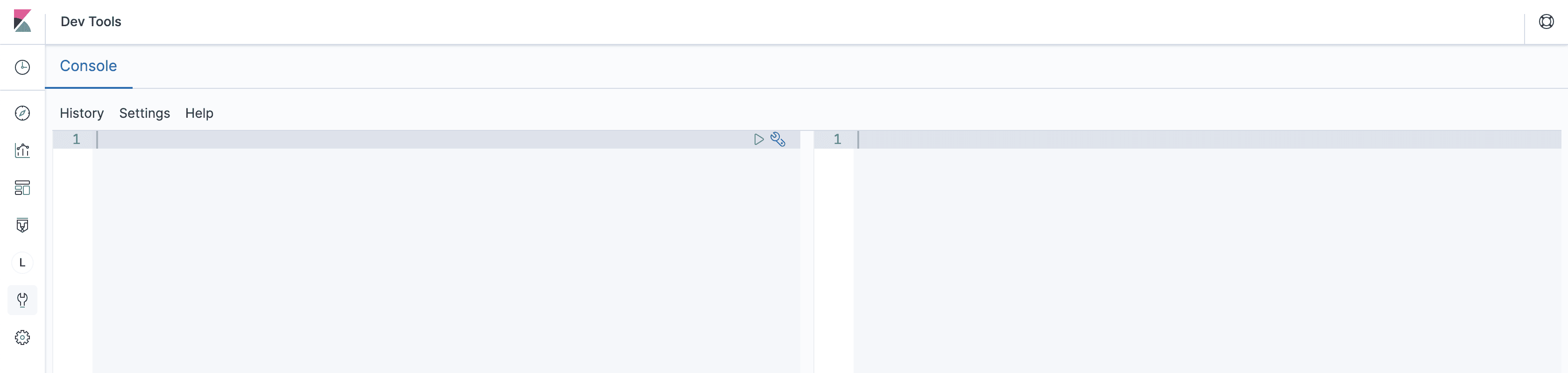
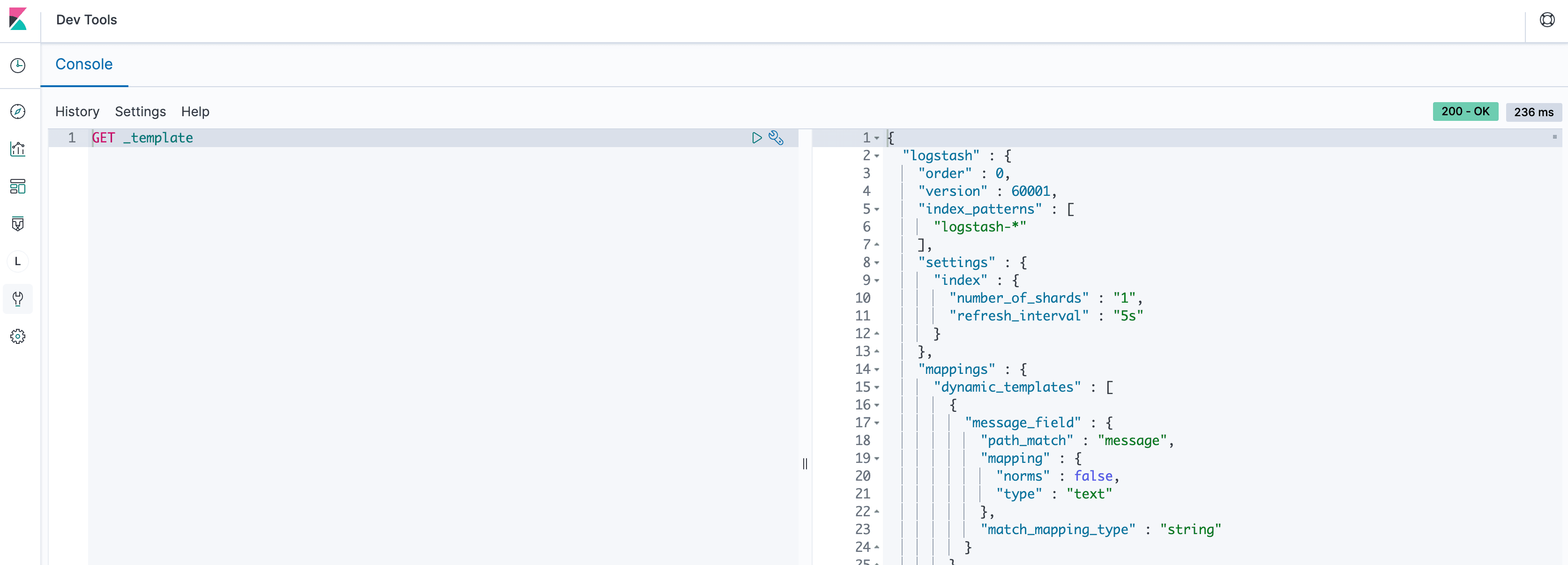
List all legacy templates:
GET _templateYou should see output similar to the screenshot below.
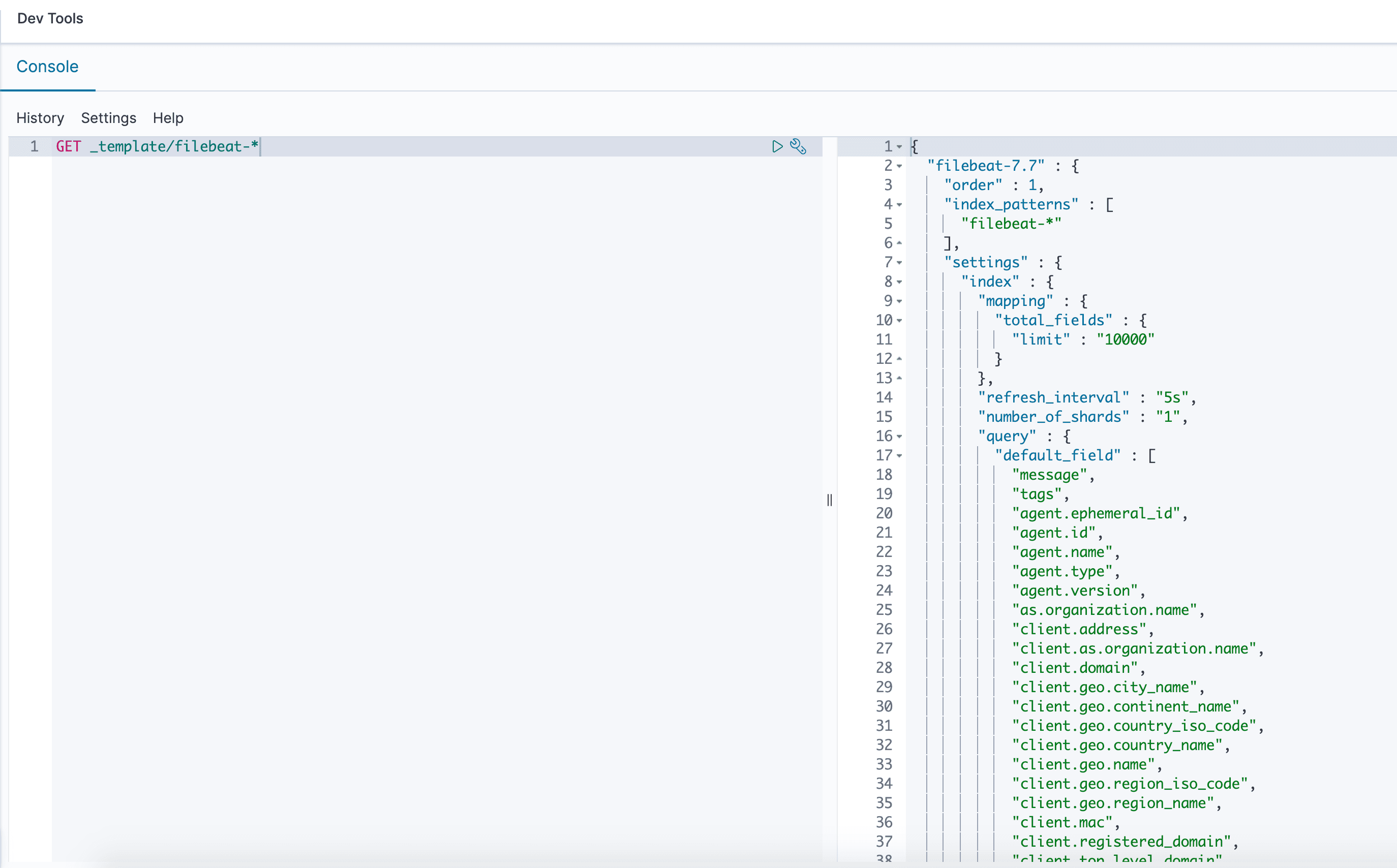
Search for a specific template pattern:
GET _template/filebeat-*This returns templates whose names match the pattern, for example filebeat-7.7 with index pattern filebeat-*.
On newer OpenSearch versions, list composable templates with:
GET _index_template2. Using the OpenSearch REST API
Use the OpenSearch API on your stack endpoint. Copy your connection details from Settings → Endpoints on the stack, or see Connect to Your Cluster.

Legacy templates — API key mode:
curl -X GET "@elasticsearch.endpointAddress:443/_template?apikey=@elasticsearch.apiKey&pretty"Legacy templates — Basic mode:
curl -X GET "@elasticsearch.endpointAddress:443/_template?pretty" \
  -u "@elasticsearch.username:@elasticsearch.password"
Filter by pattern (API key mode):
curl -X GET "@elasticsearch.endpointAddress:443/_template/filebeat-*?apikey=@elasticsearch.apiKey&pretty"Composable templates (API key mode):
curl -X GET "@elasticsearch.endpointAddress:443/_index_template?apikey=@elasticsearch.apiKey&pretty"This returns JSON output similar to the screenshot below.
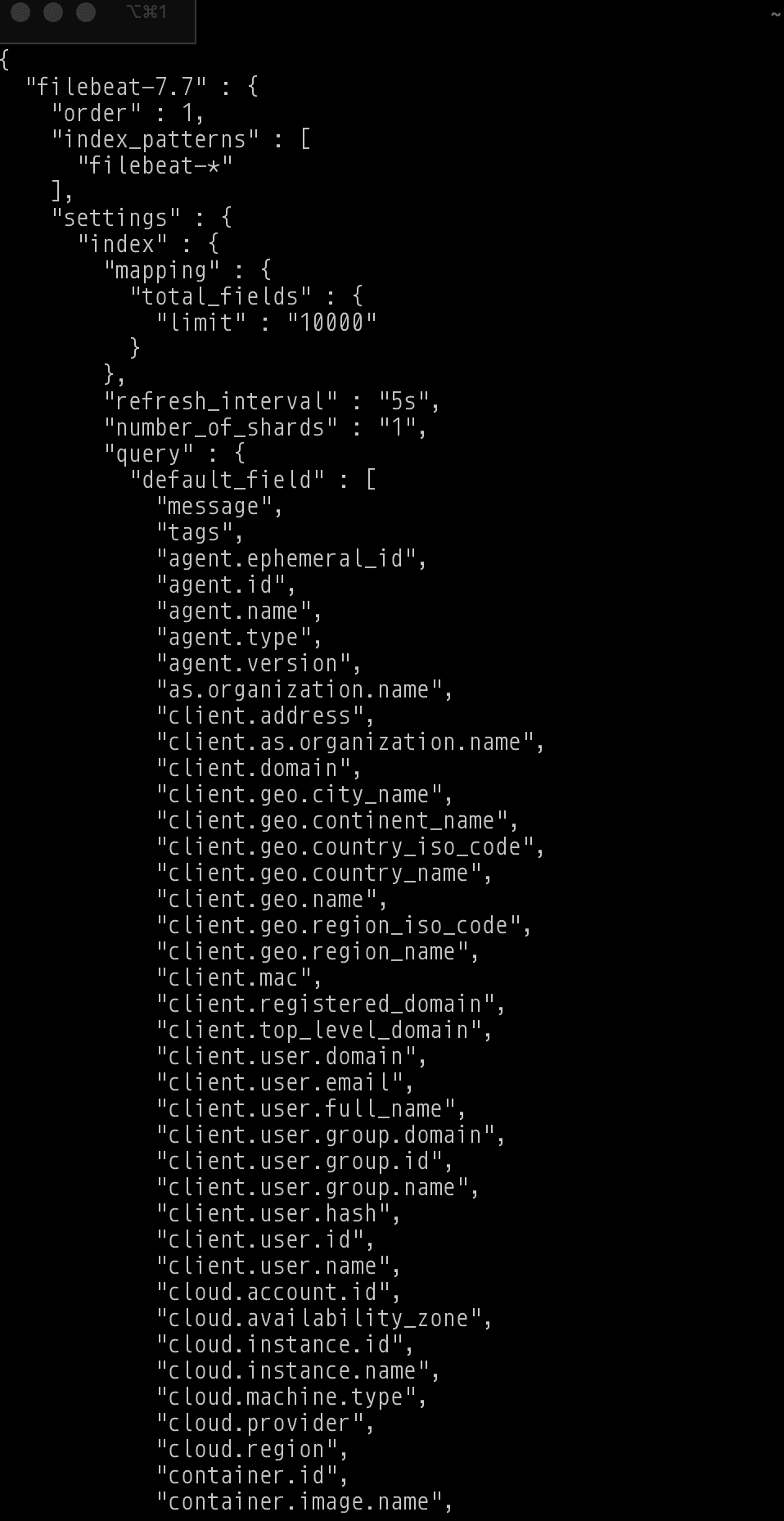
See Index & Template APIs for more examples, or the OpenSearch API reference (opens in a new tab) for full specifications.